 Tech Trends Daily

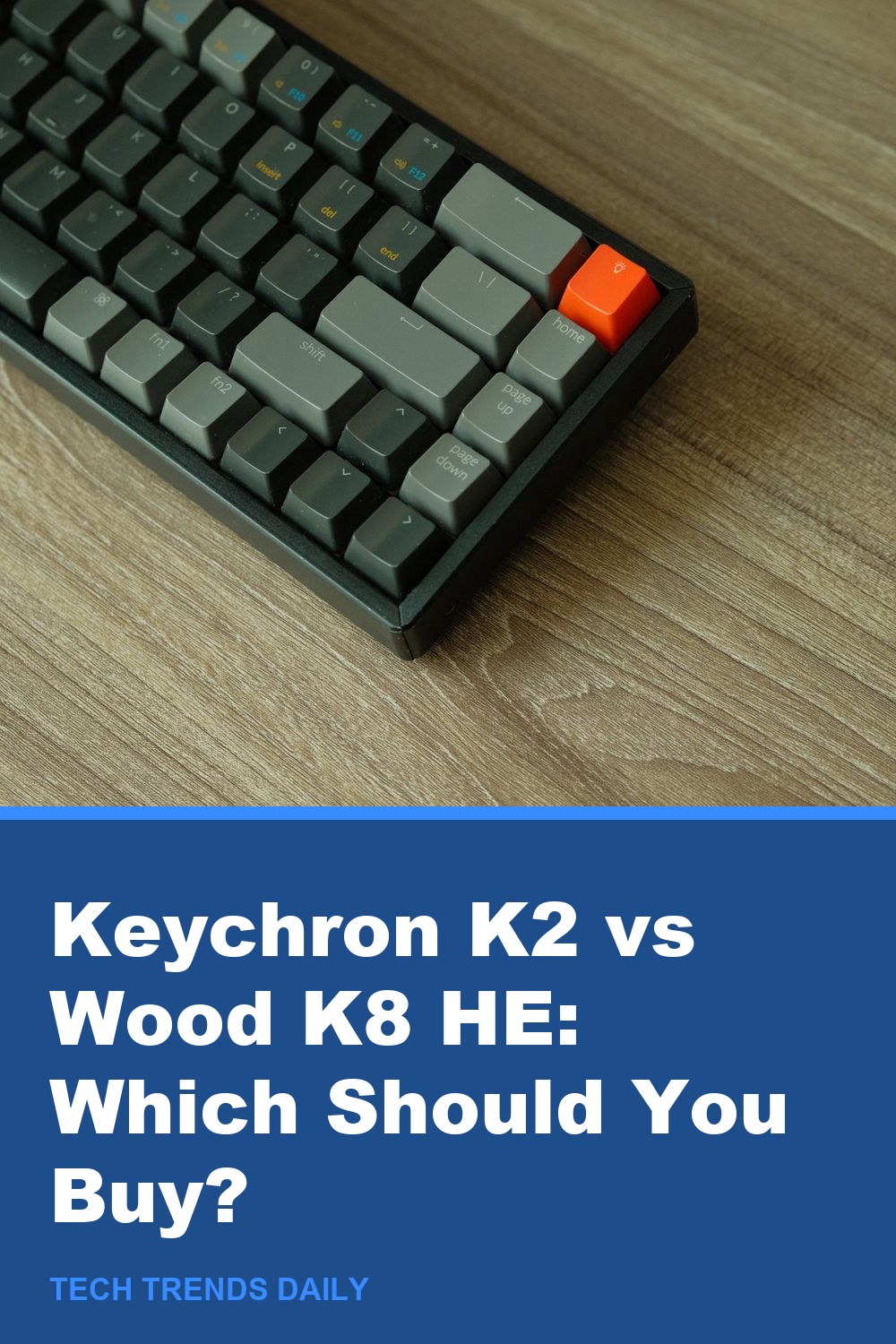

- For most people the Keychron K2 at around $60 is the sensible buy: USB and Bluetooth, tilt legs, and a real step up from a laptop keyboard.
- The all-wood K8 HE costs near $200, about $140 more, so you are mostly paying for materials, magnetic switches and looks.
- If neither price fits, Keychron's K, Q and V series run from $100 to $200, and the one-handed C0 HE gaming keypad is sold out.
For most desks, buy the Keychron K2. At around $60 it gives you both USB and Bluetooth, tilt legs for a better typing angle and the tactile feel that makes mechanical keyboards worth owning. The all-wood K8 HE Wireless Magnetic Switch Custom Keyboard, priced near $200, is the pick only if you want a wooden body and magnetic switches and are happy to pay roughly $140 more for them. Both come from the brand that first drew attention with a Kickstarter campaign in 2017, and both are easy to find. The question is which one fits your desk and your budget.
Who should read this before spending money
This comparison is for people who type for a living, or for hours at a time, and are tired of a flat laptop keyboard. It is also for anyone who has noticed that mechanical keyboards are everywhere and wonders whether the premium wooden one is worth it.
Mechanical keyboards put an individual switch under every key. According to the original coverage of Keychron's range, that gives you tactile feedback, audible clicks and better durability than a typical membrane keyboard, along with a sound that has even spawned ASMR videos. If you do not care about feel, sound or looks, a cheap membrane board is fine and you can stop reading. If you do, keep going.
The specs that matter and the ones that are mostly marketing
Four things decide this purchase. Here is how much weight each deserves.
- Connectivity. This matters every day. The K2 offers USB and Bluetooth, so you can plug in when you want zero fuss or go wireless for a cleaner desk. The K8 HE is sold as a wireless keyboard. Before you order, check the product page for exactly how it connects, so your laptop, tablet or desktop can talk to it.
- Switch technology. This is the real difference under the keys. The K8 HE is described as a magnetic switch keyboard, a newer approach than the conventional mechanical switches in a standard board. Magnetic switches are the reason for the higher price tier, and the "HE" naming also appears on the gaming-focused C0 HE One-Handed 8K keypad. If you have never used a mechanical keyboard, you will notice the jump from a laptop board far more than the jump between switch types.
- Design and materials. The K2 has an understated look and tilt legs, which suits a minimalist desk and long typing sessions. The K8 HE has an all-wood body plus LED backlighting. That is a looks-and-feel purchase, and it is a legitimate one if your desk is a place you like to be, but it will not make you type faster.
- Price. Around $60 against near $200. Be honest about how much of that gap you will actually feel in daily use.
Mostly marketing: the idea that any one keyboard will transform your productivity. A mechanical board can improve typing comfort and accuracy over a standard laptop keyboard, but that benefit comes from the category, not from the wood.
Keychron K2 vs K8 HE side by side
| Feature | Keychron K2 | Keychron K8 HE |
|---|---|---|
| Price | Around $60 | Near $200 |
| Connectivity | USB and Bluetooth | Wireless |
| Switch technology | Mechanical switches | Magnetic switches |
| Body | Understated design with tilt legs | All-wood body |
| Lighting | Not a headline feature | LED backlighting |
| Best for | First mechanical keyboard, mixed devices, tight budget | Buyers who want a premium, good-looking desk centrepiece |
Where a cell says what the feature is not, it reflects how Keychron's range is described, not a spec sheet. Confirm layout, battery and switch options on the seller's page before paying.
Choose by desk setup and typing style
You switch between a laptop and a second device. The K2's Bluetooth plus USB combination is built for this. Plug in when you want certainty, go wireless when you want a tidy desk.
You write or code for hours. Both are mechanical, so both beat a flat laptop keyboard. The K2's tilt legs help you set a comfortable angle. Spend the extra money only if magnetic switches or the wood body appeal to you for their own sake.
You care how your desk looks. This is where the K8 HE earns its price. A wooden body and backlighting are a different object from a plain plastic board, and Keychron's move into premium materials is aimed squarely at people like you.
You share a room or an office. Mechanical keyboards are audible by design. Whatever you buy, consider who sits near you.
You want to tinker. Swapping keycaps is a big part of the hobby, and there is a sizable market for unique or custom-made sets. Both boards fit that world, but the cheaper K2 is the lower-risk place to start experimenting.
The middle ground and the one you cannot buy yet
If $60 feels too basic and $200 too much, Keychron has also expanded its updated K, Q and V series, with prices from $100 to $200. These add customization and build options between the two boards compared here. It is worth browsing them before you commit to the K8 HE, because the wood premium may not be the feature you care about most.
Gamers may have seen the C0 HE One-Handed 8K keypad, built for speed and convenience. It is currently sold out, which points to strong demand or limited supply. If that is the one you want, you are waiting on a restock, not choosing between keyboards.
Steps before you click buy
- Decide your ceiling. If it is under about $100, the K2 is your answer.
- List your devices. If you need to move between several, confirm the keyboard's connection options on the product page.
- Check the layout on the listing and make sure it has the keys you use daily, such as a number pad or function row.
- Check the return policy. Feel and sound are personal, and you only know after a few days of typing. This is the same habit that applies to any gadget, as we noted in our piece on checking return terms before you buy.
- Compare the live price. If you are already hunting for seasonal discounts, our look at whether Black Friday laptop deals are worth waiting for applies the same patience to accessories. Do not assume a keyboard will be cheaper later, though.
Buy now, wait or skip
Buy now: the K2. It is about $60, has USB and Bluetooth, and does the job of upgrading your typing. Few reasons to hesitate.
Buy now, if you really want it: the K8 HE. Near $200 for an all-wood, LED-backlit board with magnetic switches is a treat, not a necessity. It makes sense if your desk is part of your daily mood and you will use the keyboard for years.
Wait: if you are torn. If neither extreme fits, look at the K, Q and V series at $100 to $200. Also wait if the sold-out C0 HE One-Handed 8K is your target.
Skip: the premium board if you only want a better laptop keyboard. The K2 delivers that for around a third of the price. Skip mechanical altogether if sound is a problem in your space.
FAQ
Is a mechanical keyboard really better for typing than a laptop keyboard?
For most people who type a lot, yes. Individual switches under each key give tactile feedback and tend to improve accuracy and comfort, and they last longer than typical membrane boards. How much you gain depends on your habits and preferences.
Can I change the keycaps on a Keychron keyboard?
Swapping keycaps is a core part of mechanical keyboard culture, and there is a large market for unique and custom-made sets. Check that the specific model you buy supports the keycap style you want.
Both boards are good buys for different reasons. Start with the K2 unless the wood and magnetic switches are the things you are actually shopping for.
As an Amazon Associate I earn from qualifying purchases: if you buy through these links I may earn a small commission, at no extra cost to you. Each link opens a search on the Amazon store for your country.
Sources
Photo: An Tran / Pexels

I'm an Italian creator who builds apps, games and websites. I run Tech Trends Daily with the help of AI tools: every article starts from the sources linked above, and I check what goes out. I'm not a doctor, a lawyer or a financial adviser. Spotted a mistake or have an idea? Write to me.
Instagram @spartaco_94_My websiteWrite to meAbout this blog









 Simulated Lives: Are We Already Living in a Matrix?
 The Physics of Space Travel: Exploring Faster-Than-Light Travel
 Speed Reading: The 3-Book Bundle