 Tech Trends Daily

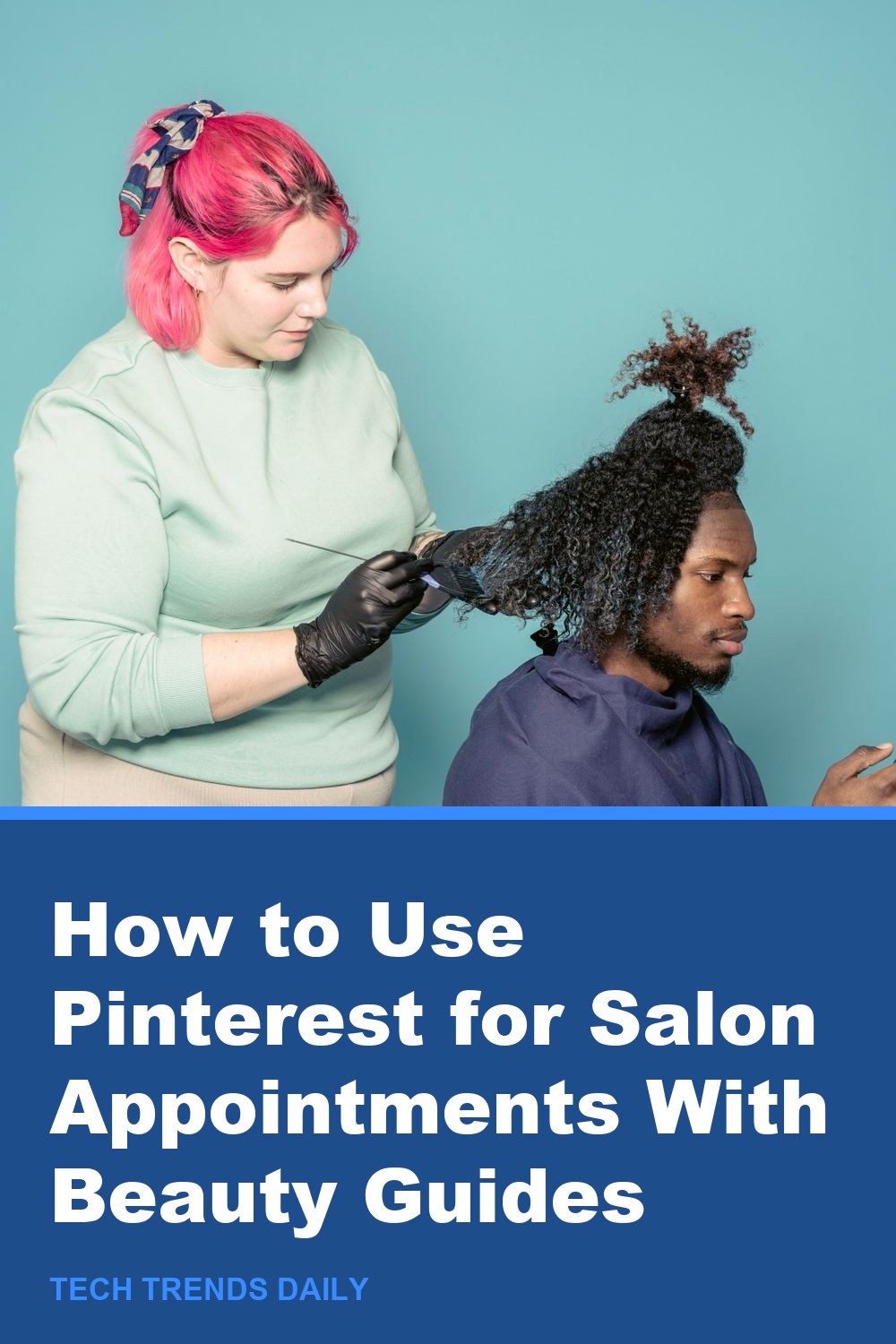

- Tap “Get the Guide” on a hairstyle, color or nail Pin and Pinterest's AI turns it into salon terms, time, cost and upkeep notes.
- Balayage often costs hundreds of dollars, so treat the guide's price as a rough expectation and get a real quote from your salon first.
- Beauty Guides launched October 6, 2026 for hairstyles and nails only; other beauty areas may follow, but nothing is promised.
To use Pinterest for a salon appointment, open a hairstyle, hair color or nail Pin you like, tap the “Get the Guide” button, and bring the result to your stylist. Pinterest's new AI feature, Beauty Guides, rewrites the picture in the vocabulary salons use and adds estimates for cost, appointment length and upkeep. It was introduced on October 6, 2026, and it targets a familiar problem: you know what you want, but you can't describe it in words your stylist would use.
Verdict: worth using as prep, not as a price quote
If you already save beauty Pins, use it. It adds no extra work, and it gives you terms to ask for and numbers to sanity-check before you sit in the chair. Just don't treat the guide's cost and timing as a booking confirmation. They are estimates meant to set realistic expectations, as TechCrunch put it, and your salon's own quote still decides what you pay.
What a Beauty Guide tells you
Pinterest built the feature on its visual intelligence and generative AI technology, called Pinterest Intelligence. When you tap “Get the Guide” on a supported Pin, the AI generates a guide that translates what it sees into the terms stylists and nail artists use.
A hairstyle Pin showing a “balayage” or “root melt” look, for example, now comes with an explanation of what those terms mean and what to request at the salon. The guide also covers:
- Salon terminology for the look in the picture.
- Estimated appointment time.
- Pricing. Pinterest notes that procedures like balayage often cost in the hundreds of dollars.
- Maintenance, such as how often to trim or tone.
For nails, the launch focuses on shape and finish, so you can say what you want instead of pointing at a photo and hoping.
What it costs you
The guide itself arrives as a button on Pins you may already be saving, so there is no new app to learn. The money that matters is what the salon charges. The one figure Pinterest gives is that balayage often runs into the hundreds of dollars, which is a useful warning if you were picturing a quick, cheap appointment.
The other cost is time. A guide that tells you how long the appointment may take and how often you will need trims or toning shows the ongoing commitment before you pay for the first visit. Plan for both numbers, not just the first bill.
How to go from Pin to appointment
- Pick a clear Pin. Choose a hairstyle, color or nail Pin that shows the look well. Several angles help, though the guide works from the Pin you choose.
- Tap “Get the Guide.” The button appears on beauty Pins for hairstyles, color and nails. If you don't see it, the Pin may not be supported yet.
- Read the terms first. Note the name of the technique, such as balayage or root melt, and what it means in practice.
- Check the estimates. Look at the time, price and upkeep notes. Ask yourself whether you can afford the repeat visits, not only the first one.
- Bring it with the picture. Show your stylist the Pin and the guide together. The photo shows the result and the guide gives the vocabulary.
- Confirm the numbers. Ask the salon for its own price and time for your hair or nails before you commit.
AI-generated figures deserve the same caution as any automated price estimate. Our piece on whether AI deal finders beat Black Friday prices makes a similar point about checking a machine's number against the real one.
Who gains and who should skip
Who gains: people who save a lot of hair and nail inspiration and then struggle to explain it. First-timers at a new salon get the most from having the right words. So does anyone who has had a look misinterpreted before. Salons may benefit too, since clearer requests could mean fewer misunderstandings and quicker consultations.
Who should skip: anyone whose request falls outside hair and nails, because that is all the launch covers, though Pinterest may expand it over time. If you already have a stylist who knows exactly what you like, a guide adds little. And if you want a firm price, only the salon can give you one.
Pros
- Turns a photo into the terms a stylist or nail artist expects.
- Shows estimated cost and appointment length before you book.
- Includes upkeep, like trimming and toning, so the full commitment is visible.
- Works from Pins you already save, with no extra steps.
Cons
- The cost and time figures are estimates, not salon quotes.
- Only hairstyles, hair color and nails are covered at launch.
- A good guide won't help if the photo isn't realistic for your hair or nails; your stylist still has to judge that.
What to check before you pay
Before you hand over money, run through this short list:
- Does the salon's quote match the guide's price range? If it is far higher, ask why.
- Is the appointment length they quote close to the estimate? If not, ask what the extra time covers.
- Did the stylist use the same technique name as your guide? If they use a different term, ask them to explain the difference.
- Do you know how often you will need maintenance, and what it costs?
- Are you comfortable with what the finished look will need at home?
This is also a privacy-aware habit. Showing a guide on your own phone shares only what you choose to show, and you can skip any step that asks for more than you want to give.
If you find the guide is useful, you will probably have your phone out at the salon for a while. Our look at how to find and try Netflix's AI Discover tab shows another everyday AI feature that is easy to try without changing your routine.
Buy, wait or skip?
Use it now if hair or nails are what you book. It costs nothing extra to try, and it helps you walk in knowing the words, the likely time and the upkeep. Wait on anything beyond hair and nails, since Pinterest hasn't said what comes next. And skip trusting any figure over your salon's own quote.
As an Amazon Associate I earn from qualifying purchases: if you buy through these links I may earn a small commission, at no extra cost to you. Each link opens a search on the Amazon store for your country.
Sources
Photo: John Diez / Pexels

I'm an Italian creator who builds apps, games and websites. I run Tech Trends Daily with the help of AI tools: every article starts from the sources linked above, and I check what goes out. I'm not a doctor, a lawyer or a financial adviser. Spotted a mistake or have an idea? Write to me.
Instagram @spartaco_94_My websiteWrite to meAbout this blog










 Simulated Lives: Are We Already Living in a Matrix?
 The Physics of Space Travel: Exploring Faster-Than-Light Travel
 Speed Reading: The 3-Book Bundle