 Tech Trends Daily



- Free and 50 GB users get the standard daily limit on advanced Siri AI tasks; 200 GB doubles it, and the top 12 TB tier reaches up to 20 times.
- Timers, alarms and ordinary texts stay free and unlimited, because only server-side Siri AI and Apple Intelligence tasks count against the daily cap.
- Wait for the limit notification after iOS 27.3 before paying; if you hit it often, the $2.99 200 GB plan is the sensible first step.
Verdict: don't upgrade your iCloud+ plan for Siri AI until you actually hit the cap. Everyone gets Siri AI free, and what changes by plan is the daily allowance for heavy, server-side tasks. People with no paid plan or the $0.99 50 GB plan get Apple's "Standard Device Limit", the $2.99 plan doubles it, and the top tier goes up to 20 times. The limits arrive with iOS 27.3, which ZDNET reports is expected in early December, so now is the time to work out where you sit.
Siri AI daily limits by iCloud+ plan
Apple's support page, updated November 16 and quoted by ZDNET, says Siri AI and Apple Intelligence are free on a supported device in a supported language. It adds that some features rely on powerful server models and have limits, with more access on eligible iCloud+ plans from the 27.3 release. Here is the ladder, as ZDNET lays it out:
| iCloud+ plan | Monthly price | Daily limit on advanced Siri AI tasks |
|---|---|---|
| No paid plan | Free | Standard Device Limit |
| 50 GB | $0.99 | Standard Device Limit |
| 200 GB | $2.99 | 2x the standard limit |
| 2 TB | $9.99 | Up to 5x |
| 6 TB | $29.99 | Up to 10x |
| 12 TB | $59.99 | Up to 20x |
Two things to notice. The 50 GB plan gets you nothing extra over being on the free tier, so paying 99 cents a month for Siri AI headroom makes no sense. And Apple has not said what the standard limit is in numbers. It depends on how often you ask and on what kind of task. Every multiplier above is relative to a figure we can't see, so nobody can yet tell you "you get X requests a day."
What counts toward the limit and what stays free
The cap only touches advanced work that runs on Apple's servers. Basic commands such as setting timers and alarms or sending a standard text message stay free and unlimited. Those are handled on your device, so they don't load Apple's servers.
According to Apple, as reported by ZDNET, these tasks count toward the limits:
- Multi-step requests that use your personal context, such as pulling details from an email to update your calendar.
- Generating or editing images in Image Playground, and Photos tools like Clean Up, Extend and Spatial Reframing.
- Shortcuts that rely on Apple Foundation Cloud and Cloud Pro Models.
- Third-party apps that use Apple Foundation Models through Private Cloud Compute.
If you mostly ask Siri for timers, music and quick messages, you will probably never notice any of this. If you lean on it as an assistant that reads your mail and acts on it, or you edit a lot of photos with AI, you are the person these limits were written for.
What happens when you run out
You get a notification when you hit your limit for a particular feature category. After that, basic Siri tasks keep working. The advanced ones pause until the limit resets the next day. Nothing is lost or locked, and there is no surprise bill: the cost is simply waiting until tomorrow or paying for a bigger plan.
One piece of good news: the limits are per device, not per account. With one Apple account across an iPhone, iPad, Mac, Apple Watch, Apple TV and Vision Pro, using Siri AI on one doesn't eat into the others, according to ZDNET.
Apple's reasoning is capacity. Server-side models strain when too many people use them at once. ZDNET also points out the obvious commercial side: people who keep bumping into the cap are being nudged toward a pricier plan. Both can be true. This is the same pattern we covered with Apple's paid AI usage packs for Logic Pro, and with shared limits in ChatGPT: AI is free to try and metered once you rely on it.
Who gains from upgrading and who should skip
Worth it: people who already pay for a bigger plan for storage. If you have 2 TB for photos and backups, you get up to five times the Siri AI allowance without paying anything extra. Also worth it: heavy users who see the limit notification repeatedly. For them, the 200 GB plan at $2.99 is the cheapest step, costing $2 a month more than the 50 GB plan for double the allowance.
Skip: anyone on the free or 50 GB plan who rarely sees the notification, or who uses Siri for basic commands. The same goes for anyone tempted by the 6 TB or 12 TB tiers purely for AI headroom. At $29.99 and $59.99 a month, you would be buying terabytes you don't need to get a multiplier of an undisclosed number.
Pros and cons of the tiered limits
Pros:
- Siri AI is free on supported devices, with no paywall for the basics.
- Timers, alarms and ordinary texts are unlimited on every plan.
- Limits are per device, so a multi-device household isn't punished.
- Hitting the cap only pauses advanced tasks until the next day.
Cons:
- The standard limit has no published number, so you can't plan around it.
- The top tiers say "up to", which leaves room for less than the headline multiple.
- You pay for storage you may not need to get more AI access.
- The 50 GB plan adds nothing for Siri AI over no plan at all.
Steps to take before you pay anything
- Do nothing until iOS 27.3 lands. Early December is the expected date, and until then the limits aren't live.
- Check which plan you are on in your Apple account's iCloud settings. If it's 50 GB or none, you have the standard limit.
- List what you use Siri AI for. If it's mostly the basic commands, you're done. If it's mail-based requests, Shortcuts with cloud models, third-party AI apps or image editing, expect to hit the cap sooner.
- Use it normally for a week or two and see whether the limit notification appears. Remember it is shown per feature category, so photo editing might cap out while other requests are fine.
- If it keeps appearing, try the 200 GB plan first. Move up to 2 TB only if you need the storage anyway or still hit the doubled limit.
- Don't forget the rest of the iOS 27.3 update. It also changes how Apple handles public links, which we explained in what to do about iCloud link scanning.
The practical verdict: wait, then buy only if you hit the wall
This is a wait-and-see call. The free tier covers casual use, the daily reset means a capped day costs you patience rather than money, and the one plan upgrade that makes sense for most people is the $2.99 tier, and only if the notification keeps showing up. Until Apple publishes what the standard limit actually is, treat any bigger plan as a bet on a number nobody has seen.
If you are shopping on Amazon anyway, you can start from here: browse tech gadgets and accessories on Amazon in your country or visit my Amazon storefront (Amazon Italy).
As an Amazon Associate I earn from qualifying purchases, at no extra cost to you.
Watch or listen to this episode
Sources
Photo: Theo Decker / Pexels

I'm an Italian creator who builds apps, games and websites. I run Tech Trends Daily with the help of AI tools: every article starts from the sources linked above, and I check what goes out. I'm not a doctor, a lawyer or a financial adviser. Spotted a mistake or have an idea? Write to me.
Instagram @spartaco_94_My websiteWrite to meAbout this blogWritten by Ciro Irmici (Ciro Simone Irmici), with the help of AI tools. Ciro Irmici's website








 Simulated Lives: Are We Already Living in a Matrix?
 The Physics of Space Travel: Exploring Faster-Than-Light Travel
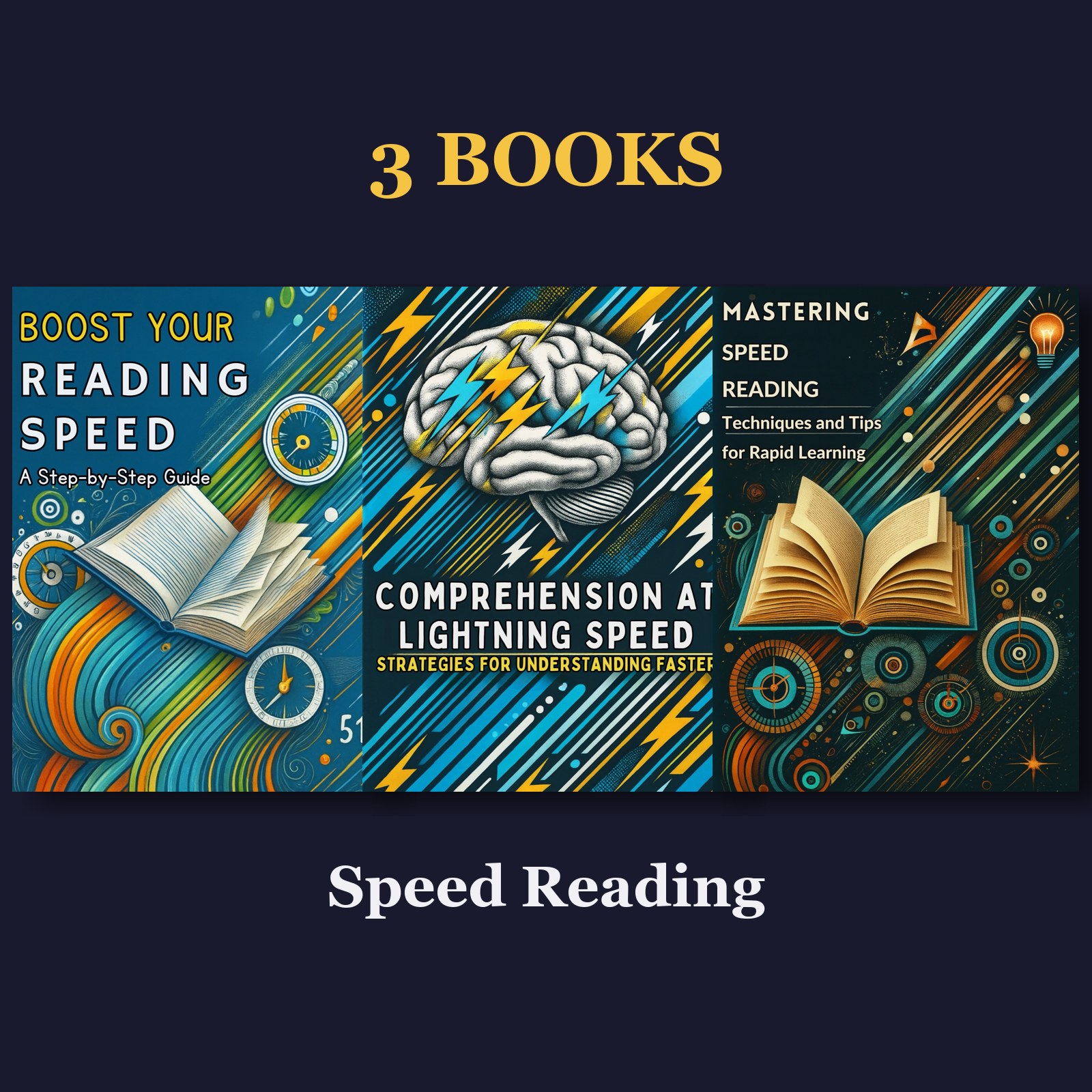 Speed Reading: The 3-Book Bundle